How to Build a Personal Website From Scratch: A Global Guide
Ready to create your own space on the web? This comprehensive guide shows you how to build a personal website from scratch, whether you're a creative in Seoul or a freelancer in Nairobi.
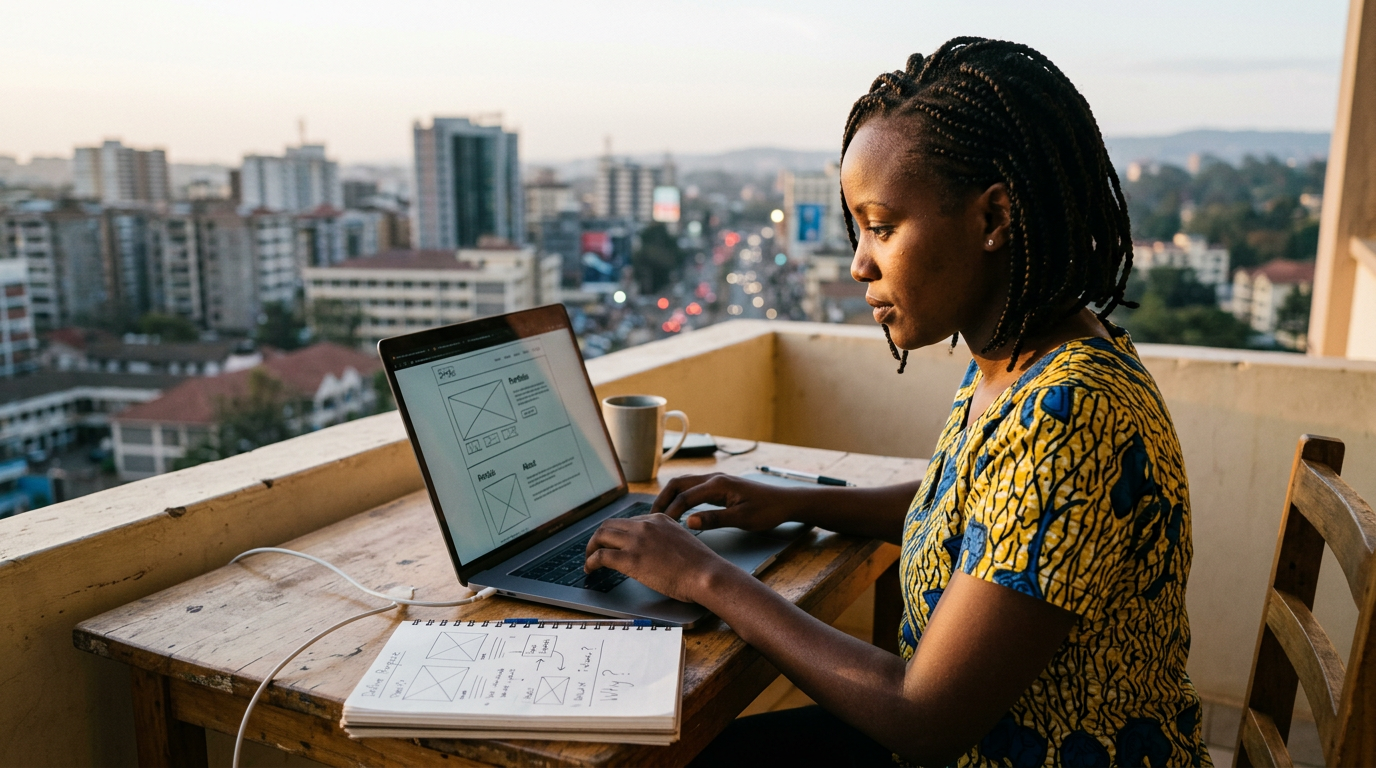
In a world connected by screens, your digital presence is often your first impression. Whether you're a freelance photographer in Tokyo, a software developer in Lagos, or a recent graduate in Buenos Aires, knowing how to build a personal website from scratch is no longer a niche technical skill—it's a powerful tool for personal branding and professional growth. This isn't about becoming a master coder overnight. It’s about understanding the key steps to stake your claim on the internet, tell your story, and connect with a global audience. This guide will walk you through the entire process, from defining your purpose to launching your site for the world to see.
Defining Your Purpose: The 'Why' Behind Your Website
Before you look at a single template or line of code, the most critical step is to ask yourself: Why do I need this website? Your answer will shape every subsequent decision, from the technology you choose to the content you create. A clear purpose acts as your North Star, ensuring your final product is not just a digital business card but a functional tool that serves your goals. People around the world create personal sites for a variety of reasons, and identifying your primary objective is the foundation of a successful project.
Common Goals for a Personal Website
Think about which of these categories best fits your ambition:
- Online Portfolio: This is essential for creatives. A UX designer in Berlin can showcase interactive prototypes, a writer in Dublin can publish articles, and a musician in Nashville can embed their tracks. The focus here is visual and experiential, letting the work speak for itself.
- Professional Hub / Digital CV: For consultants, academics, and job seekers, a personal website is a dynamic alternative to a static PDF resume. A management consultant in São Paulo could feature client testimonials and case studies, while a scientist in Oxford could link to their published papers and research.
- Personal Blog or Platform: If you have expertise or a passion to share, a blog is your stage. This could be a food blogger in Mumbai sharing regional recipes, a tech enthusiast in Helsinki demystifying AI, or a travel writer sharing stories from the road. The goal is to build an audience and establish thought leadership.
- Side Hustle or E-commerce: Your website can be a direct source of income. An artist in Melbourne could sell prints through an integrated shop, or a yoga instructor in Bali could manage bookings for online classes.
Your 'why' dictates the features you'll need. A portfolio requires a gallery and high-resolution image support, while a professional hub needs a clear contact form and a detailed 'About' section. Pinpointing this from the start will save you countless hours later.
Claiming Your Digital Address: Domain Name and Hosting
Once you know your site's purpose, it's time to secure its address and plot of land on the internet. These two components—the domain name and web hosting—are fundamental. Your domain name is the unique address users type into their browser (like yourname.com), while web hosting is the service that stores your website's files and makes them accessible to visitors worldwide. Think of the domain as your street address and hosting as the house where you keep all your belongings.
Choosing a Memorable Domain Name
Your domain is a core part of your brand. Aim for something that is short, professional, and easy to remember and spell. Using your own name (e.g., janesmith.com) is often the best choice for a personal site. If your name is taken, try variations like adding a middle initial, your profession (janesmithwrites.com) or a location. When choosing a Top-Level Domain (TLD)—the part after the dot—you have global and local options. While .com is the most recognized globally, country-code TLDs (ccTLDs) can be effective for targeting a specific region, such as .de in Germany or .co.uk in the United Kingdom. Newer generic TLDs like .me, .pro, or .design also offer creative and relevant alternatives. You can register your domain through global registrars like GoDaddy, Namecheap, or Google Domains.
Understanding Web Hosting Options
Web hosting can seem technical, but the basics are straightforward. For a personal site, you'll likely encounter three main types:
- Shared Hosting: The most affordable option, where your site shares server resources with other websites. It's perfect for beginners with low to moderate traffic. Providers like Hostinger (popular in Europe and Asia) and Bluehost (a major player in the US market) offer competitive plans globally.
- VPS (Virtual Private Server) Hosting: A step up from shared hosting, a VPS gives you a dedicated portion of a server's resources. It offers more power and flexibility but requires a bit more technical know-how.
- Managed Hosting: This service is often specific to a platform, like WordPress. The hosting company manages all the technical aspects, including security, backups, and updates, giving you peace of mind.
Many website builders, which we'll discuss next, bundle hosting into their subscription, simplifying this step entirely.
The Big Decision: Website Builders vs. Traditional Methods
This is the most significant fork in the road on your journey. Your choice here depends on your budget, technical confidence, and desire for creative control. Do you want an all-in-one solution that’s easy and fast, or do you prefer total flexibility, even if it means a steeper learning curve? There is no single right answer, only the one that is right for you.
The All-in-One Website Builder Route
Website builders are platforms that provide everything you need in one package: templates, a drag-and-drop editor, hosting, and sometimes even a domain name. They have democratized web design, making it accessible to everyone.
Pros: User-friendly, no coding required, fast setup, reliable support, and built-in security.
Cons: Less creative freedom than coding, migrating to another platform can be difficult, and you're tied to their ecosystem.
Popular Global Options:
- Squarespace: Headquartered in the US, it's celebrated globally for its stunning, minimalist templates, making it a favorite among artists, photographers, and designers.
- Wix: An Israeli company with a massive international footprint, Wix offers immense creative flexibility with its unstructured editor, appealing to those who want to control every pixel.
- Jimdo: Hailing from Germany, Jimdo is known for its simplicity and AI-powered setup, making it one of the easiest entry points for beginners in Europe and beyond.
- STUDIO: A rising star from Japan, this design-led platform offers advanced visual editing capabilities without code, attracting a following of professional designers who want more control than typical builders allow.
The Self-Hosted CMS & Coding Route
This path offers ultimate control. It involves choosing your own hosting, installing a Content Management System (CMS), or even coding your site from the ground up.
Pros: Limitless customization, complete ownership of your data, ability to scale, and a valuable skill to learn.
Cons: Steeper learning curve, you are responsible for security and maintenance, and initial setup takes longer.
Key Technologies:
- WordPress.org: Not to be confused with WordPress.com (a builder), the self-hosted WordPress.org is free, open-source software that powers over 43% of the entire internet. Its true power lies in its vast global community and a massive ecosystem of themes and plugins that can add any imaginable functionality. [INTERNAL_LINK: what-is-wordpress]
- JAMstack: This modern architecture (JavaScript, APIs, Markup) is for the more technically inclined. Using tools like Gatsby, Next.js, or Hugo, developers create incredibly fast and secure sites. This approach is very popular in tech hubs from Silicon Valley to Tel Aviv and Bangalore.
Designing Your Site: Principles of User Experience and Visuals
A great personal website is more than just a collection of information; it’s an experience. Good design guides your visitors, builds trust, and communicates your personality before they read a single word. This involves both the logical structure (User Experience or UX) and the aesthetic appeal (User Interface or UI). You don't need to be a professional designer to get this right; you just need to follow a few key principles.
Structuring Your Content Logically
Imagine walking into a library with no signs. That’s what a site with poor navigation feels like. Your structure should be intuitive. Most personal sites need just a few key pages:
- Home: A welcome mat that summarizes who you are and what you do.
- About: Your story. This is your chance to connect on a human level.
- Portfolio/Services/Blog: The core content showcasing your work or expertise.
- Contact: A simple, clear way for people to get in touch.
Visual Design and Branding
Your visuals set the tone. Use a consistent color palette of 2-3 colors that reflect your personal brand. Be mindful of cultural color connotations; for example, white is associated with mourning in some Eastern cultures, whereas it signifies purity in the West. For typography, choose two fonts at most—one for headings, one for body text. Google Fonts provides a vast library of free, high-quality fonts that support multiple languages and character sets, a crucial consideration for a global audience. For imagery, avoid generic stock photos. Use high-quality, authentic pictures of yourself and your work. Services like Unsplash and Pexels offer beautiful, free-to-use photos if you need supplemental imagery.
"Good design is as little design as possible. Less, but better, because it concentrates on the essential aspects, and the products are not burdened with non-essentials. Back to purity, back to simplicity."
– Dieter Rams, German Industrial Designer
Creating Compelling Content Your Audience Will Love
Your website's design is the vessel; your content is the substance. This is what will engage your visitors, establish your credibility, and encourage them to take action. Whether you are a minimalist designer or a verbose writer, your content must be clear, authentic, and focused on your audience. It should answer their questions and tell them your story in a compelling way. Every page, from your bio to your project descriptions, is an opportunity to connect.
Writing an 'About Me' Page That Connects
The 'About' page is consistently one of the most visited pages on any personal website. People are curious about the person behind the work. Don't just list your accomplishments. Instead, tell a story. How did you get into your field? What drives you? What problems do you love to solve? Write in the first person ('I' instead of 'Jane Smith') to create a direct, personal connection. Be professional but let your personality shine through. A touch of vulnerability or a personal anecdote can make you far more relatable than a list of credentials.
Showcasing Your Work with Case Studies
If your site includes a portfolio, go beyond a simple gallery of images. The most effective portfolios use a case study approach. For each project, don't just show the final result; explain the journey. Structure it like this:
- The Challenge: What was the problem or goal?
- The Process: What was your role? What steps did you take? Show your thinking.
- The Outcome: What was the result? Use metrics if possible (e.g., 'increased user engagement by 20%').
And if you want to establish ongoing authority, there's no better tool than a blog. It helps with search engine visibility and positions you as an expert. [INTERNAL_LINK: how-to-start-a-blog]
SEO and Launch: Making Sure You're Found
You can build the most beautiful website in the world, but if no one can find it, it's like a masterpiece hidden in an attic. Search Engine Optimization (SEO) is the process of making your site more visible on search engines like Google. While it's a deep field, getting the basics right is straightforward and essential for attracting visitors. Before you announce your site to the world, run through this pre-launch checklist.
Your Pre-Launch SEO Checklist
- Optimize Page Titles and Meta Descriptions: The title is the clickable headline in search results, and the description is the short summary beneath it. Make them unique and descriptive for every page, including your primary keywords naturally.
- Use Descriptive Alt Text for Images: Alt text describes an image for visually impaired users and for search engines. It's crucial for both accessibility and SEO. Instead of `image1.jpg`, describe it: `professional-headshot-jane-smith-smiling`.
- Ensure Mobile-Friendliness: More than half of all web traffic is mobile. Google uses a 'mobile-first' indexing policy, meaning it primarily looks at your mobile site for ranking. Use Google's Mobile-Friendly Test tool to check your site.
- Check for Broken Links: Broken links create a poor user experience and can harm your SEO. Use a free online tool to crawl your site and fix any broken links before launch.
- Set Up Analytics and Search Console: These are two free, indispensable tools from Google. Google Analytics shows you who is visiting your site, how they found it, and what they do. Google Search Console helps you monitor your site's performance in Google search and identify technical issues.
- Create and Submit an XML Sitemap: A sitemap is a file that lists all the pages on your site, helping search engines find and index your content more efficiently. Most website builders and WordPress plugins can generate this for you automatically.
If you're targeting audiences in multiple countries or languages, consider international SEO practices. This can involve using `hreflang` tags to indicate language variations of a page or tailoring your content to local dialects and search habits, for instance using terms common in Indian English versus American English.
Maintaining and Growing Your Digital Presence
Launching your website isn't the finish line; it's the starting block. A personal website is a living, breathing entity that grows with you and your career. Stale, outdated sites can do more harm than good, signaling neglect. To keep your digital home in top shape, commit to a simple maintenance routine. Regularly update your portfolio with new projects. If you have a blog, try to publish new content consistently, even if it's just once a month. This keeps visitors and search engines coming back.
If you're using a platform like WordPress, it's vital to keep your software, themes, and plugins updated. These updates often contain critical security patches that protect your site from vulnerabilities. Also, take time to periodically review your Google Analytics. See which pages are most popular and where your visitors are coming from. This data is a goldmine, offering insights into what your audience values. You might discover that a blog post you wrote is attracting visitors from a country you never expected, opening up new opportunities. Your personal website is your corner of the internet, a platform for your voice in a crowded digital world. The tools and resources to build one are more accessible and global than ever before. So take that first step, define your purpose, and start building today. Your story is waiting to be shared.
Keep reading

How to Cook Restaurant-Style Pasta at Home: A Global Guide
Ever wondered how to cook restaurant-style pasta at home? It's about much more than just boiling noodles. We'll show you the global secrets to pasta perfection.

How to Cook Restaurant Style Pasta at Home: A Global Guide
Tired of lackluster pasta? Unlock the secrets to making restaurant-quality dishes in your own kitchen. We'll show you how to cook restaurant style pasta at home with global tips and pro techniques.

How to Start Investing With Little Money: A Global Guide
Think you need a fortune to start building wealth? It’s a common myth. We'll show you how to start investing with little money, no matter where you are in the world.